
To Access Voicemail, simply click/go to Voicemail menu on MiCollab Client

You will be prompted to enter your Voicemail PIN on the first attempt to access it
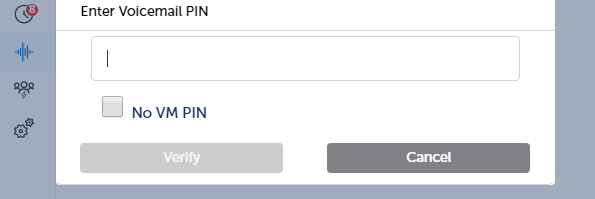
Enter your PIN, then Verify and you will be able to access your voicemail and play messages via the audio device where your MiCollab Client App is running.
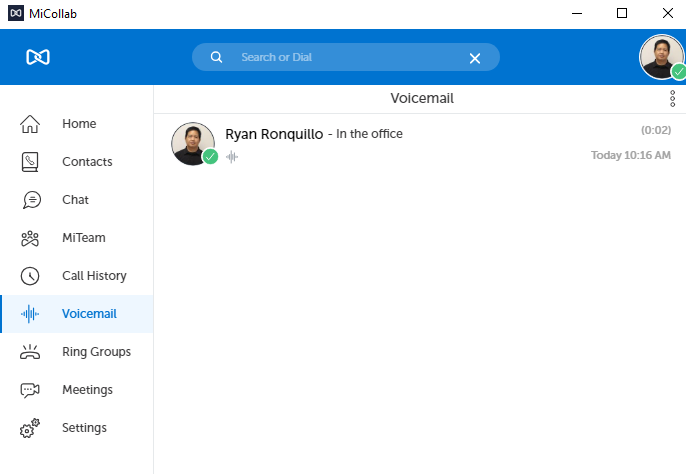
click the voice message and you will have options to play/delete or call back
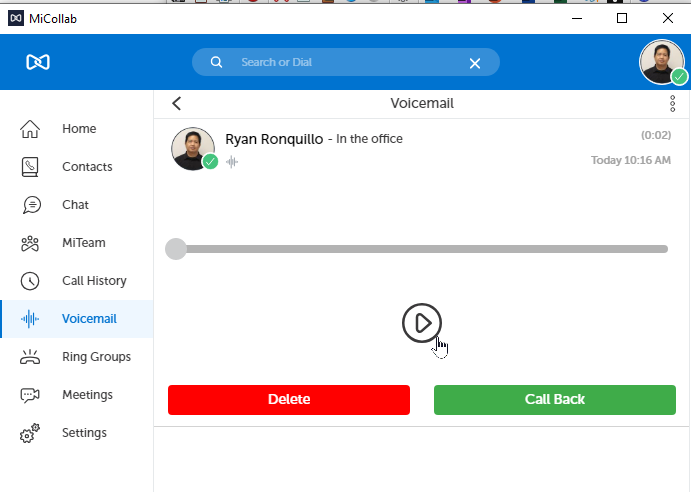
Note: When you play your voice messages, MiCollab Client app will rely on the audio device where it is currently running.
You also have an option to Send in Email the voice message you currently selected
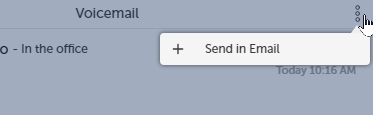
Note: sending an email will also rely on the device where you have your MiCollab client app is running.
Comments
0 comments
Please sign in to leave a comment.